Settings
Open Settings with ⌘ , or from the menu FinderGit → Settings.
General
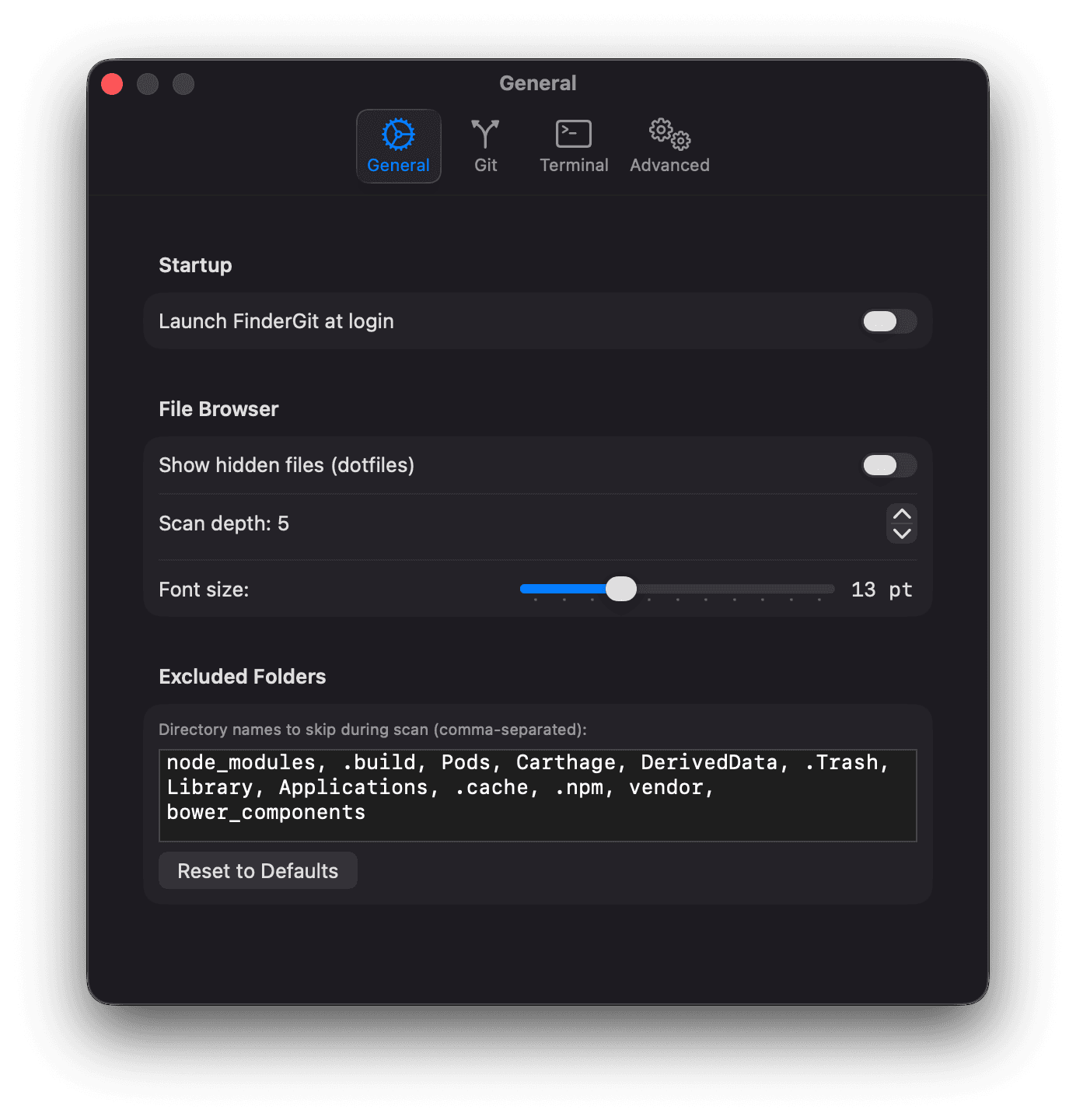
Startup
- Launch FinderGit at login — automatically start FinderGit when you log in to your Mac
File Browser
- Show hidden files — display dotfiles (files starting with
.) in the tree view - Scan depth — maximum folder depth when scanning root folders for
.gitdirectories (1–10, default 5) - Font size — tree view font size in points (10–20, default 13). Also adjustable via ⌘ + / ⌘ − / ⌘ 0
Excluded Folders
Comma-separated list of directory names to skip during scanning. Default:
node_modules, .build, Pods, Carthage, DerivedData,
.Trash, Library, Applications, .cache, .npm,
vendor, bower_components
Git
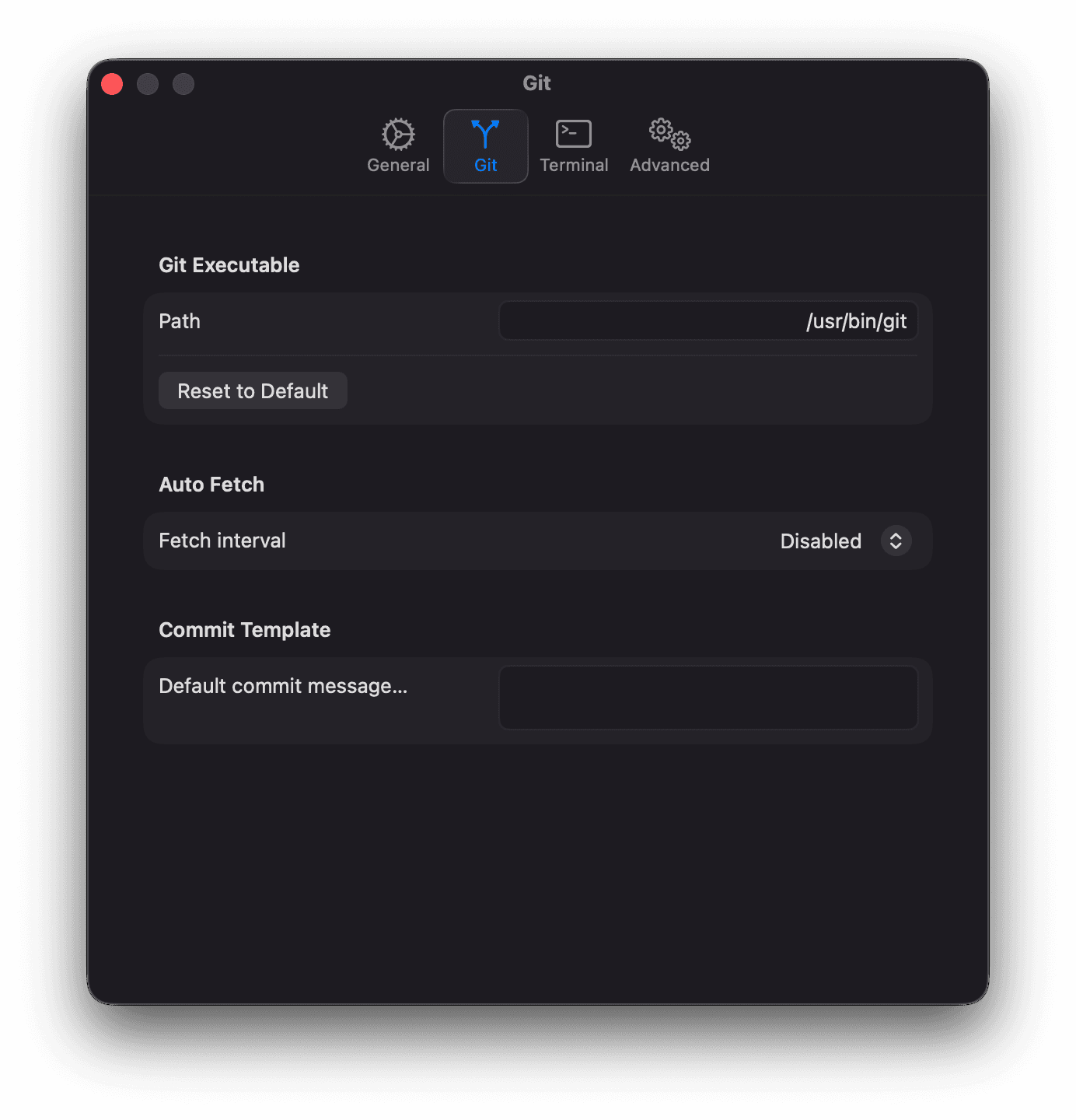
Git Executable
Path to the git binary. Default: /usr/bin/git (the macOS Xcode toolchain stub). Change this if you use a Homebrew or custom git installation.
Auto Fetch
Periodically fetch from all remotes. Options: Disabled (default), every 5/15/30/60 minutes.
Commit Template
A default message pre-filled in the commit text field. Leave empty for no template.
Terminal
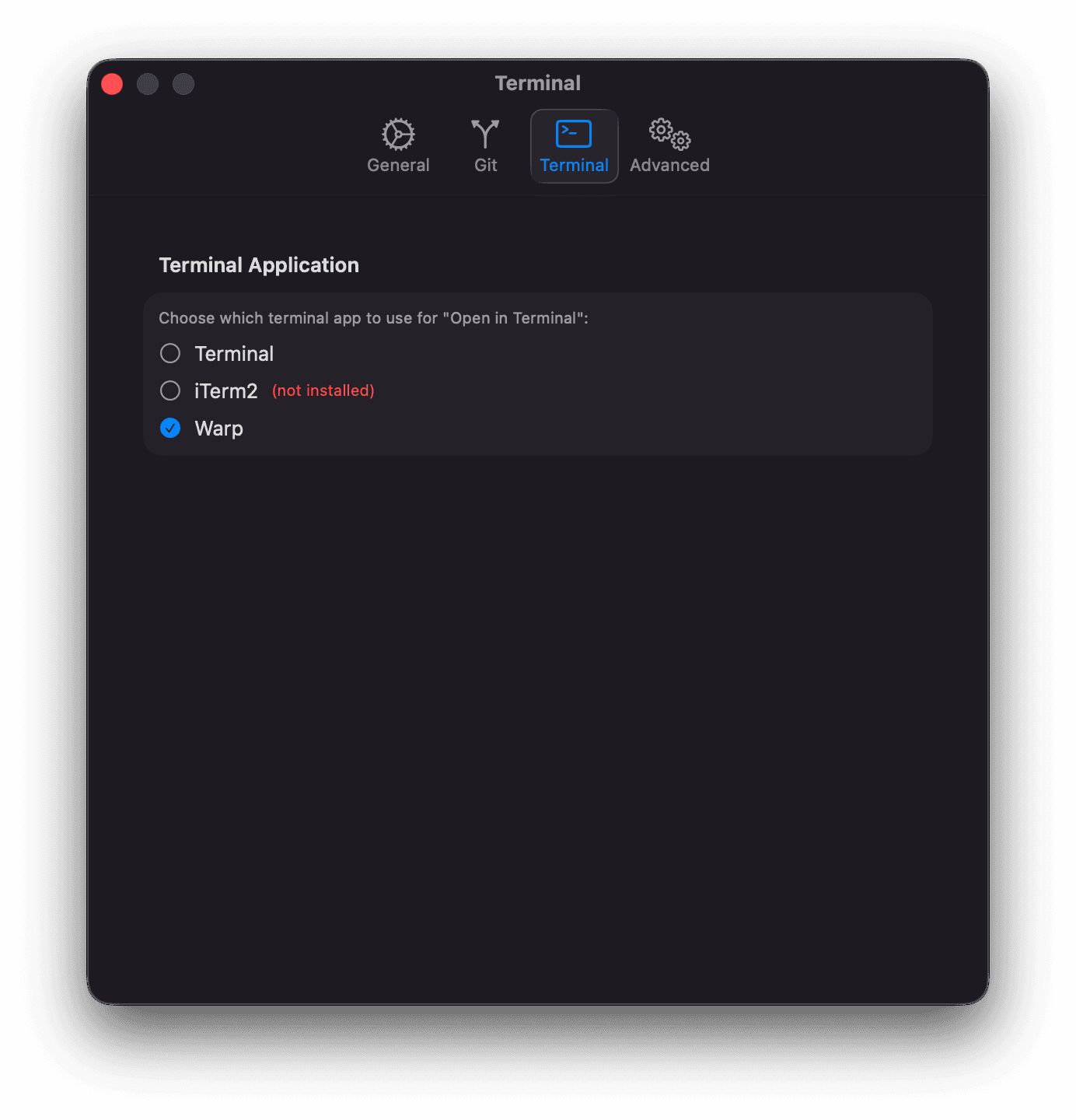
Choose which terminal application to use for the “Open in Terminal” action:
- Terminal (default) — the built-in macOS Terminal
- iTerm2 — if installed
- Warp — if installed
Advanced
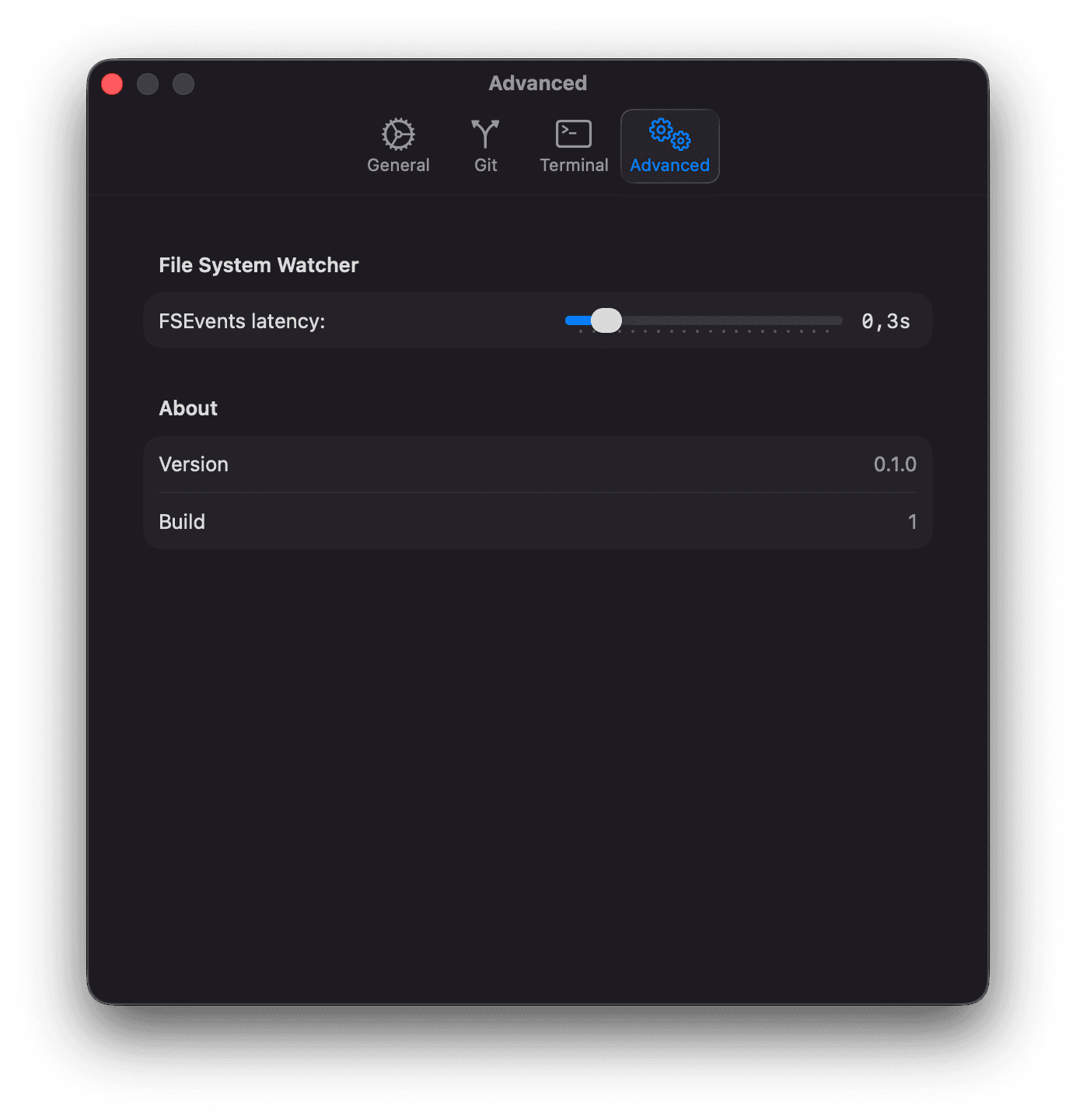
File System Watcher
FSEvents latency slider (0.1s–2.0s, default 0.3s). Lower values make the UI more responsive to file changes; higher values reduce CPU usage.
About
Shows the current app version and build number.
Last updated on
